Rendering
A single global RenderConfig controls everything. Set it before opening shots.
from dsl.rendering import use_fast_output, use_production_output

use_fast_output(engine="workbench", downsample_factor=4)      # fast proxy
use_production_output(engine="cycles", cycles_samples=128)     # final
Engines
| Engine | Speed | Lights? | Look |
|---|---|---|---|
workbench |
instant | no (built-in studio light) | flat, uniform |
eevee |
real-time | yes | raster, material sheen |
cycles |
slow | yes | path-traced, most natural |
| workbench (lights ignored) | eevee (lit) | cycles (path-traced) |
|---|---|---|
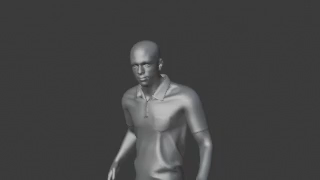 |
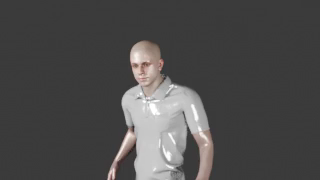 |
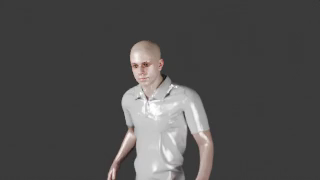 |
Modes
| Mode | Pipeline | Audio |
|---|---|---|
fast |
render sampled frames at low res, mux a separate audio mixdown | muxed proxy |
production |
normal Blender animation render, full res | sequencer audio included |
| fast (downsampled proxy) | production (full resolution) |
|---|---|
|
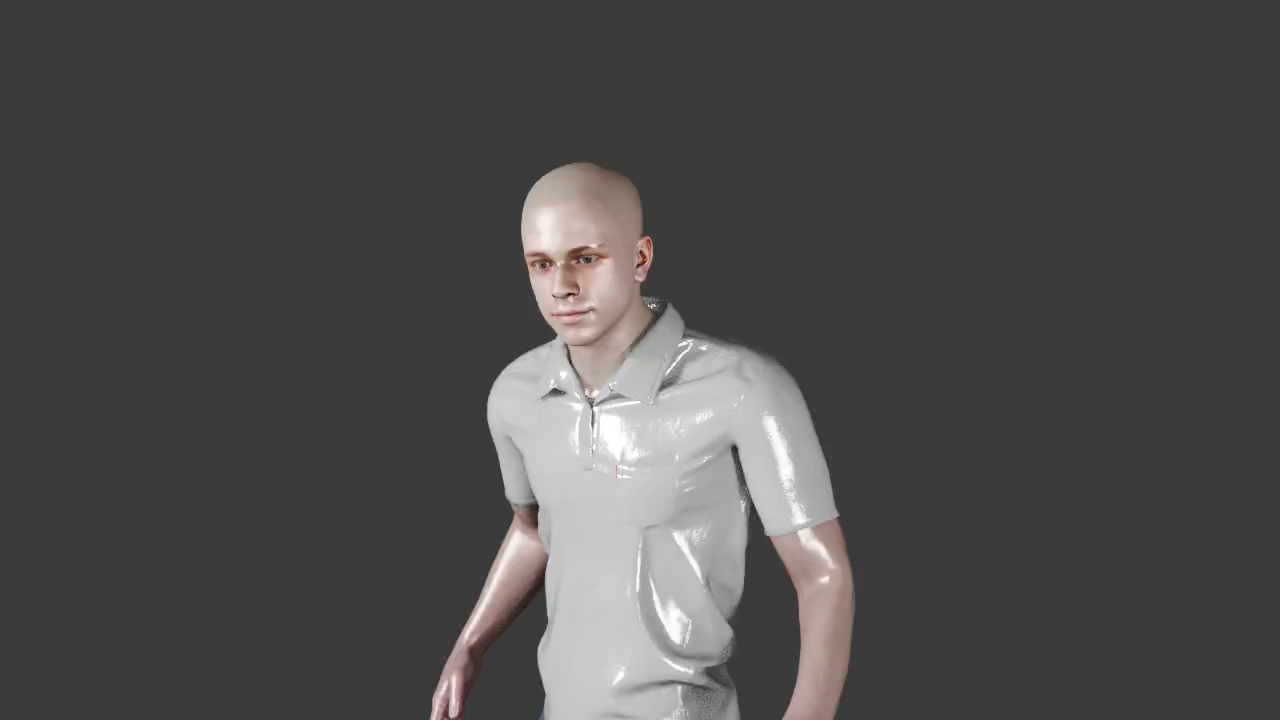 |
RenderConfig fields
| Field | Default | Meaning |
|---|---|---|
mode |
fast |
fast (proxy) or production (full) |
engine |
workbench |
workbench / eevee / cycles |
animation_fps |
24 | authoring FPS (keep at 24) |
output_fps |
1 | (fast) proxy video FPS |
frame_step |
24 | (fast) render every Nth frame |
downsample_factor |
4 | divides the 1280×720 base resolution |
cycles_samples |
16 | path-tracing samples |
Keep downsample_factor even-dimensioned
The fast-proxy encode uses libx264/yuv420p, which needs even width and height. Odd
results (e.g. 6 → 1280//6 = 213, odd) produce a 0-byte mp4. Safe factors for 1280×720:
1, 2, 4, 5, 8. Avoid 6, 7, 9, 11…
Per-shot output path
shot.output("folder/name.mp4") overrides the default
renders/<set>/<location>/shotN.mp4 (relative to renders/).
Shortcuts
use_fast_viewport_render() · use_fast_eevee() · use_fast_cycles() — preconfigured fast
profiles.